
In store
Card readers that belong to your brand.
Order and pair smart card readers from your BaxPay Business dashboard. Chip and contactless ship with the first Business version. SoftPOS on phone and BaxPay Fingerprint terminals are Preview Access only for selected businesses.
In short
Can I take card payments in store with BaxPay?
Yes. BaxPay Business merchants order and pair smart card readers with chip and contactless from the Business dashboard. Reader sales land in the same settlements as payment links and invoices. SoftPOS on a phone and BaxPay Fingerprint terminals are Preview Access for selected businesses.
BaxPay / Shop
Card readers for your counter
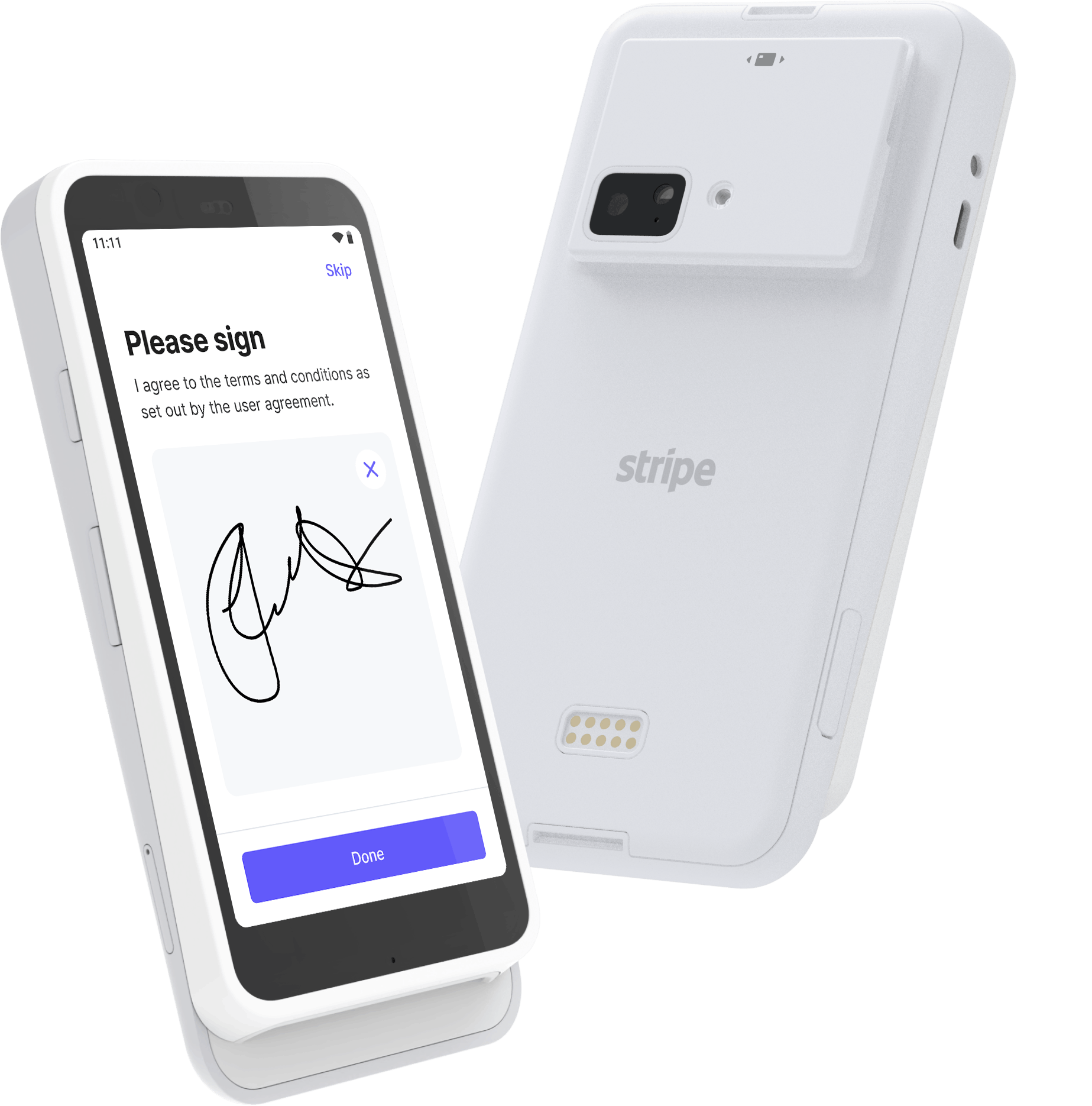
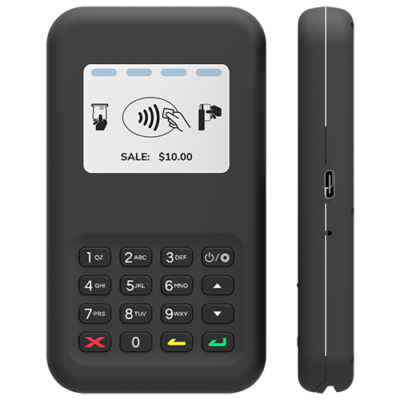
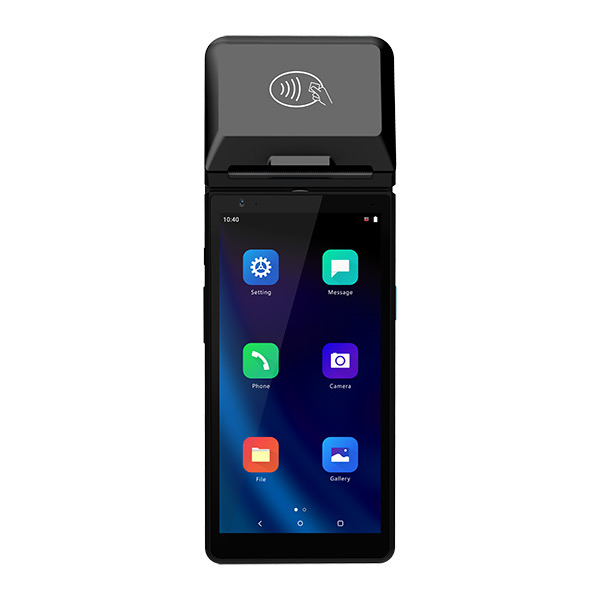
Readers you manage in BaxPay
Locations, registration codes, and hardware orders live in your Business dashboard — not in a separate acquirer portal your team has to learn.
Everything settles into the same BaxPay picture as your online links and invoices: one day, one export, one story for your accountant.
- Chip and contactless / NFC
- Locations and multi-terminal estates
- Hardware orders from the dashboard
- Same settlements as online payments
What ships when
Business web is first: onboard, take online payments, manage locations and readers.
Next is Business mobile SoftPOS — accept on the phone you already have (Tap to Pay), with catalog pick when Products is on.
Then Android POS: the BaxPay app on smart card readers (Apps on Devices) for counter sales, catalog, charge and refund.
Fingerprint terminals — Preview Access only
Pay-by-fingerprint is the core BaxPay story: enrolled customers pay with a finger and a PIN, and the print never leaves a certified device.
BaxPay Fingerprint terminals are private Preview Access for selected Business merchants (not Freelancer). SoftPOS on phone is also Preview Access.
A fleet you can actually keep an eye on
Register readers in the dashboard, watch status, and keep every device’s takings in the same daily settlement.
When you grow from one till to thirty, you are still in one BaxPay account — not thirty separate logins.
From dashboard to first in-person charge
Create your business account
Onboard in BaxPay UI — card acquiring behind the scenes, your brand on screen.
Add a location and order a reader
Manage Terminal locations and hardware from Business → Payment terminals.
Pair and take cards
Registration code on the device; chip and contactless from day one.
SoftPOS, then Android POS
Phone SoftPOS next; then the BaxPay app on smart Terminals for full counter UX.
Questions merchants actually ask
Can I take cards in store today?
Yes. Card readers are part of the first Business launch — onboard, manage locations, and order/pair from Business web. SoftPOS and Fingerprint terminals remain Preview Access for selected businesses.
Do I need to buy a terminal to start?
No. Start with payment links online. SoftPOS on a phone is designed to remove CAPEX for many shops; dedicated readers are for when you want a counter device.
Is fingerprint payment available on these readers?
Not on standard card readers. Fingerprint needs BaxPay Fingerprint terminals — Preview Access only for selected Business merchants (not Freelancer).
Will Products work on the terminal?
Yes — that is the plan. Catalog pick ships with SoftPOS and Android POS against the same Products catalog you build on web.
Can a terminal connect to my till or pump system?
Yes — see Integrations. BaxPay joins the checkout as another payment method; rollout depends on your estate.
Put BaxPay on the counter — without losing your brand.
Create your business account and manage card readers from the dashboard. SoftPOS and Fingerprint terminals: ask about Preview Access.