
Last updated:
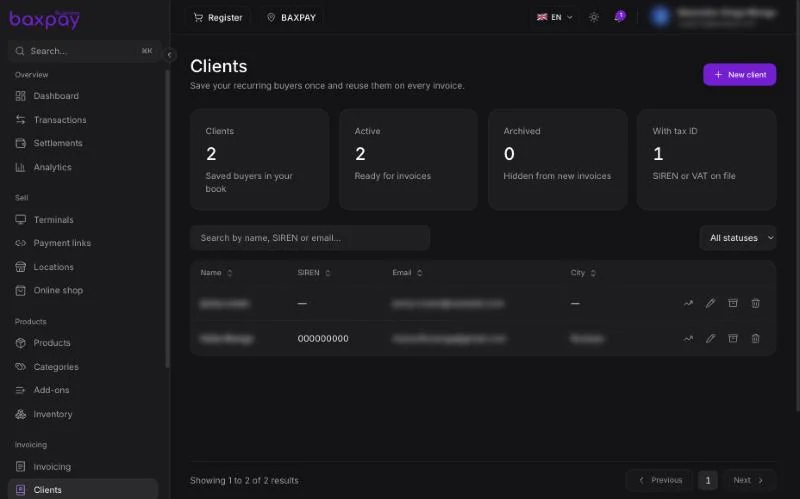
Add a client
- Open Clients → Add.
- Enter name, email, phone, address, tax identifiers as needed.
- Save.
Insights
On a client detail page you may see:
- Total spent
- Last payment / visit
- Returning customer signals
Useful for follow-ups without a separate CRM.
Archive vs delete
- Archive hides a client from pickers but keeps history.
- Deleting / editing never rewrites past invoices or payments.
Where clients appear
- Invoice creation
- Payment link creation (especially recurring)
- Register checkout (optional attach)
Next: Terminals & SoftPOS →