
Last updated:
Path: Settings → Developers (or /developers/...).
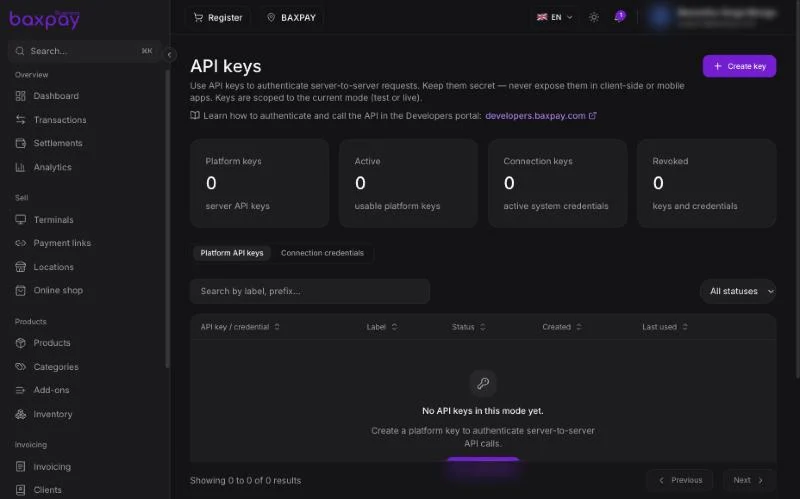
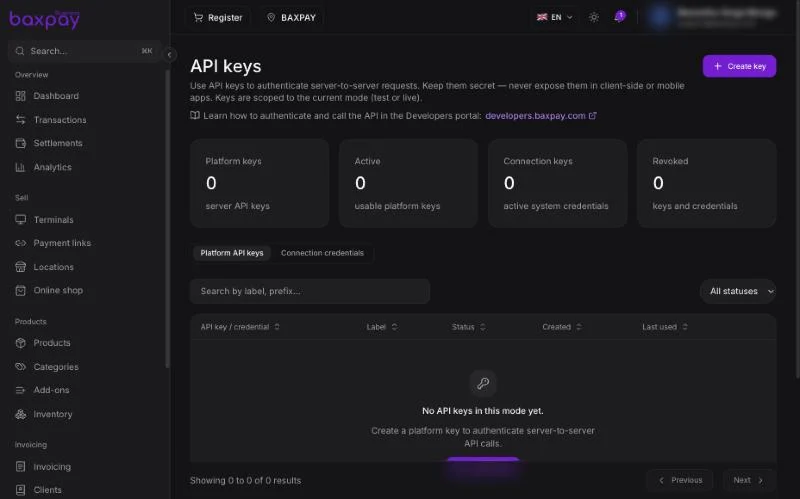
API keys
- Create a test key first.
- When ready, create a live key.
- Store the secret once — it is not shown again.
- Rotate / revoke if leaked.
Docs for engineers: developers.baxpay.com.
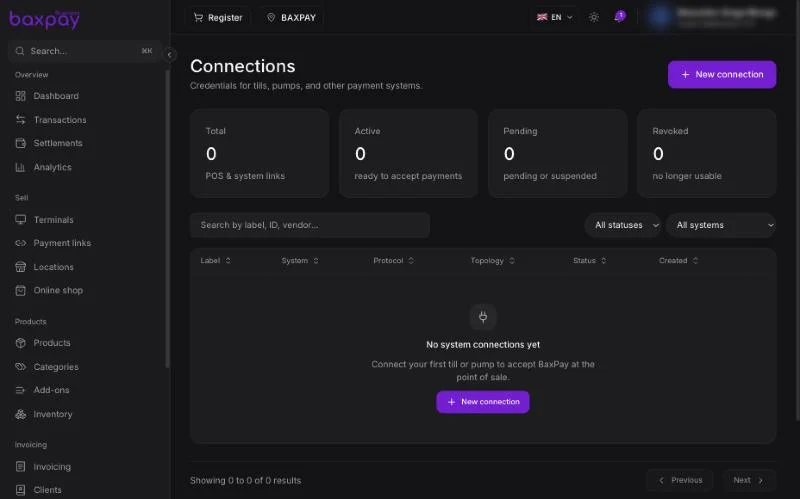
Connections (POS / systems)
Link electronic cash registers, fuel forecourts, or kiosks so BaxPay is “just another tender”. Protocols may include native API, nexo, OPI, IFSF depending on your estate.
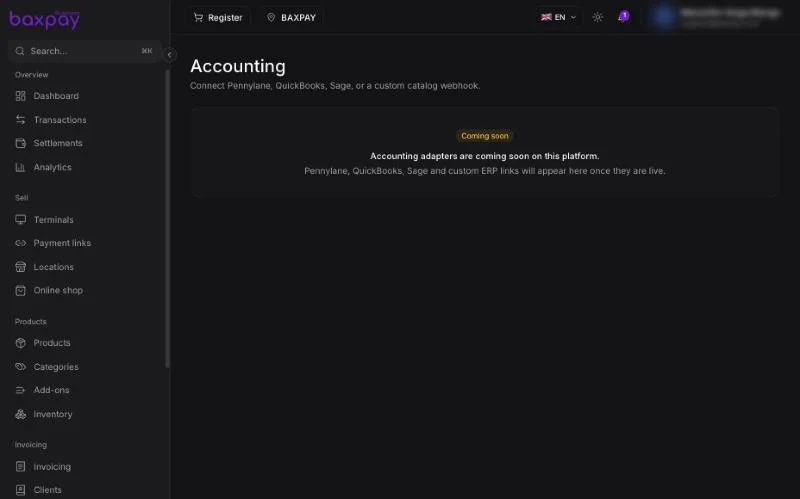
Accounting / ERP
Accounting adapters for Pennylane, QuickBooks, Sage and custom ERP links are coming soon. The page already exists under Developers › Accounting and will list them once they are live. Until then, use Books and its exports for your accountant.
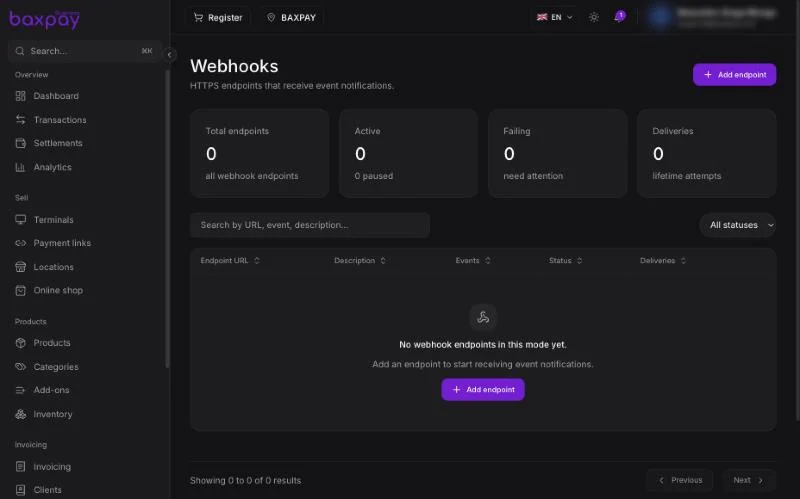
Webhooks
Register HTTPS endpoints to receive events (payment_link.paid, etc.). Use for ERP, CRM, or custom automation.
Sandbox vs live
Turn on Test mode from the profile menu before you create keys or webhooks: keys, connections and webhooks are scoped to the current mode, and test data never moves real money. Create live credentials only when you go to production.
Back to README